Error Messages
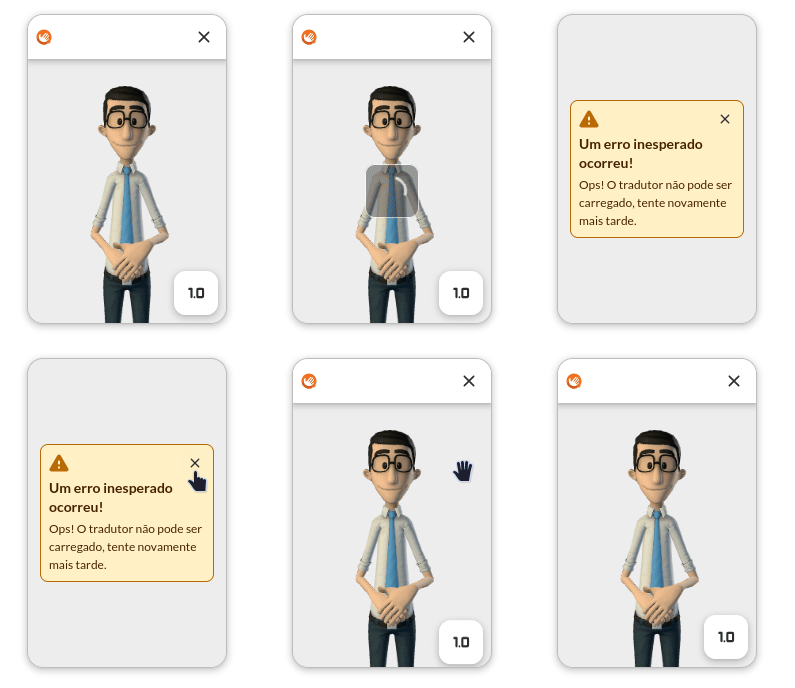
Error messages are displayed whenever a significant SDK feature fails.
Error Types
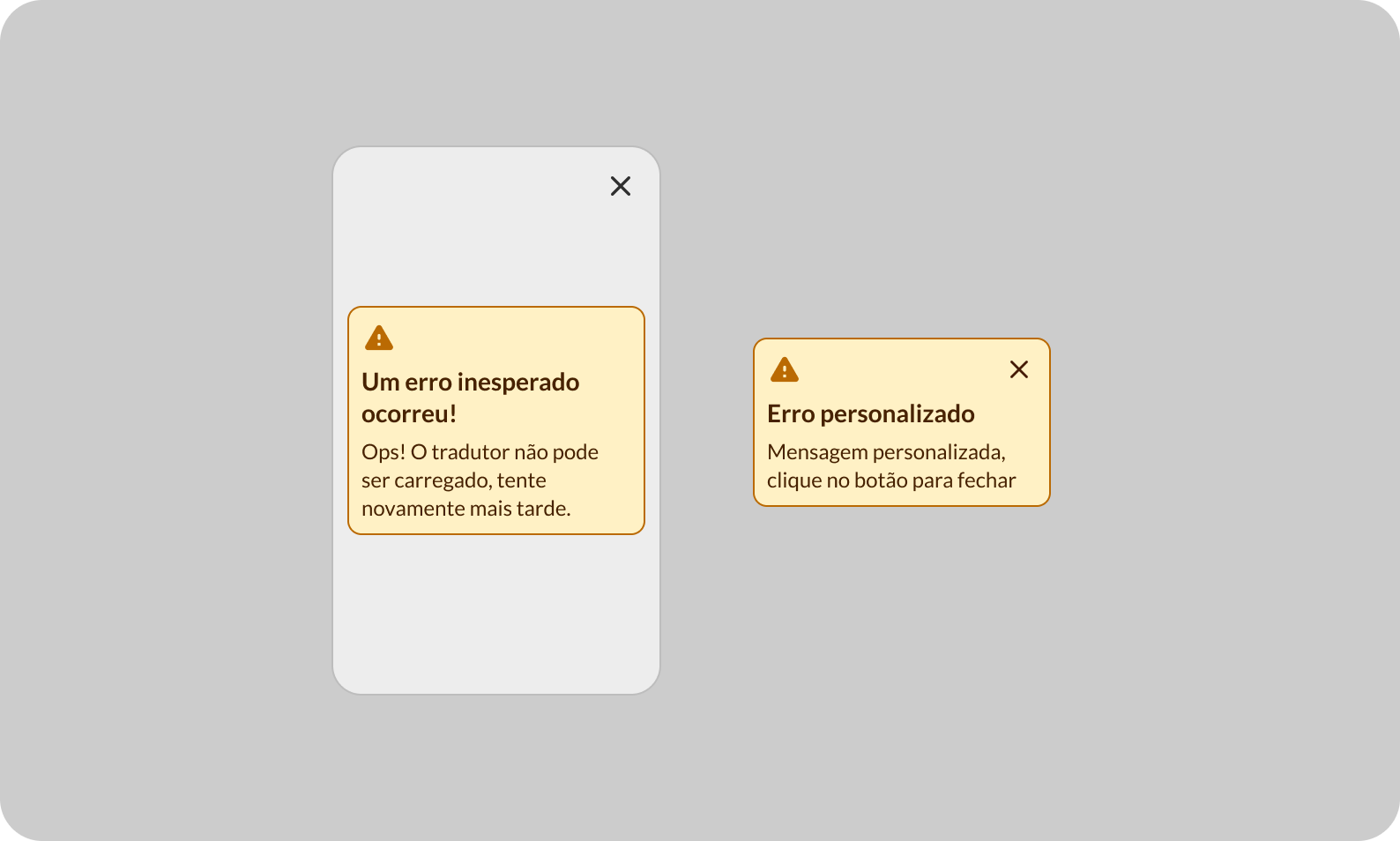
We categorize errors into Critical and Non-Critical.
Critical errors will always result in the application closing after clicking the close button. This is because when such an error occurs, we cannot determine if the application is still able to function correctly.
EXAMPLE: Failing to load the initial SDK data, such as the 3D avatar. In this case, translations become impossible.

Non-Critical errors will result in an error message that can be resolved without closing the application.
EXAMPLE: An error during a translation. This can happen for several reasons:
- Invalid, nonexistent, or expired token;
- Failure to communicate with the backend;
All these errors are temporary and can be fixed without closing the application.